
How to Fix WordPress Login Redirect Loop (Step-by-Step Guide)
One of the most frustrating WordPress login problems is the login redirect loop. Instead of accessing the WordPress dashboard, the login page keeps refreshing or redirects back to the login screen repeatedly.
This issue usually prevents you from accessing:
- wp-admin dashboard
- WordPress settings
- Plugins and themes
- Website management tools
The good news is that the problem is usually caused by cookies, cache files, plugin conflicts, incorrect WordPress URL settings, or theme-related issues.
In this guide, you will learn:
- Why WordPress login redirect loops happen
- How to identify the root cause
- Step-by-step methods to fix the issue
- Ways to prevent it from happening again
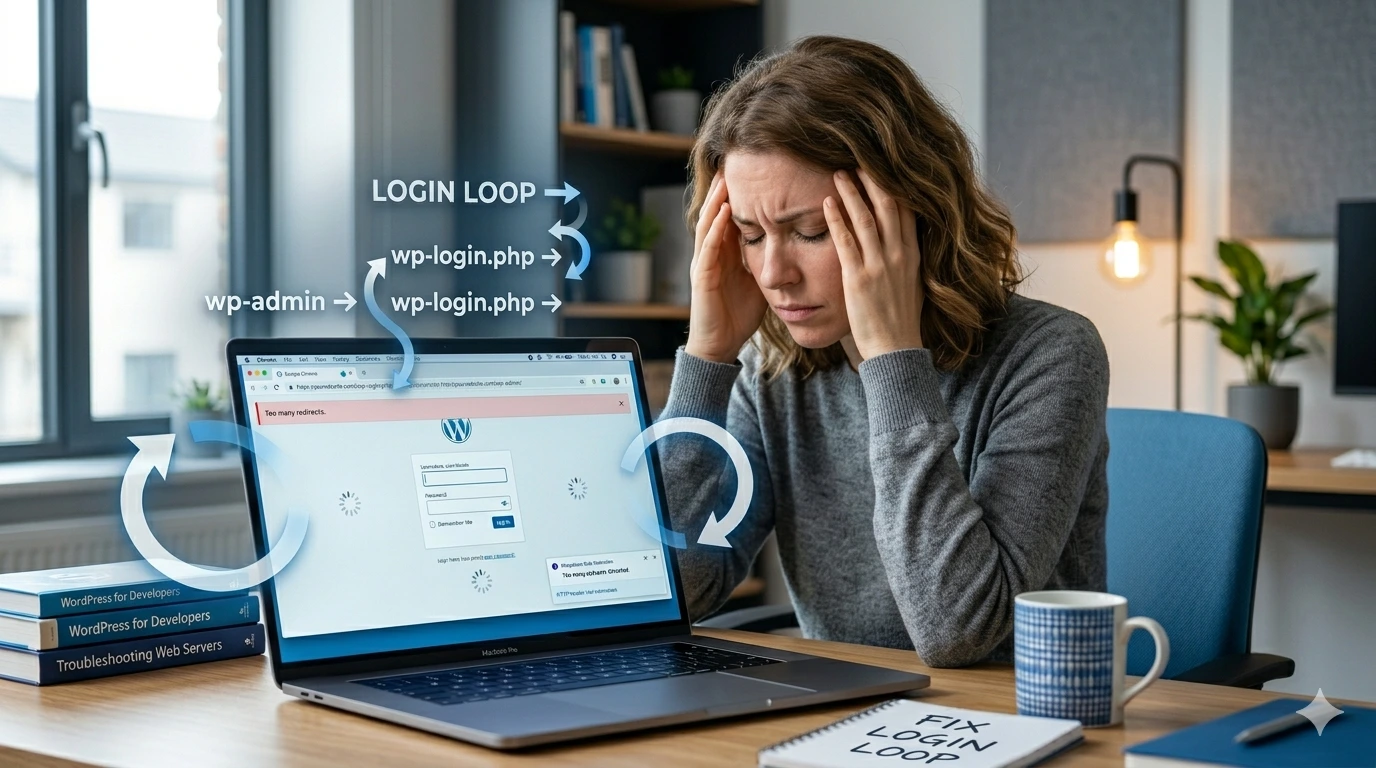
What Is the WordPress Login Redirect Loop?
The WordPress login redirect loop happens when you enter your login details correctly, but WordPress redirects you back to the login page instead of opening the admin dashboard.
Common symptoms include:
- wp-admin keeps redirecting to wp-login.php
- Login page refreshes repeatedly
- You cannot access the dashboard after login
- Endless redirect between login pages
This issue can happen suddenly after:
- Installing or updating plugins
- Changing website URLs
- Updating themes
- Clearing cache incorrectly
- Changing SSL or Cloudflare settings
Why Does the Login Redirect Loop Happen?
There are several possible causes behind this WordPress login issue.
Common Causes of Login Redirect Loop
- Corrupted browser cookies
- Cache conflicts
- Plugin conflicts
- Incorrect WordPress URL settings
- Theme compatibility issues
- SSL misconfiguration
- Corrupted .htaccess file
- Cloudflare or CDN conflicts
In most cases, clearing cookies and disabling problematic plugins fixes the issue quickly.
How to Fix WordPress Login Redirect Loop Step-by-Step
Follow these troubleshooting methods one by one until the login issue is resolved.
1. Clear Browser Cookies and Cache
WordPress uses cookies to maintain login sessions. Corrupted cookies may cause continuous redirects.
What to Clear
- Browser cookies
- Browser cache
- Saved login sessions
After clearing cookies and cache:
- Close your browser completely
- Reopen the browser
- Visit your WordPress login page again

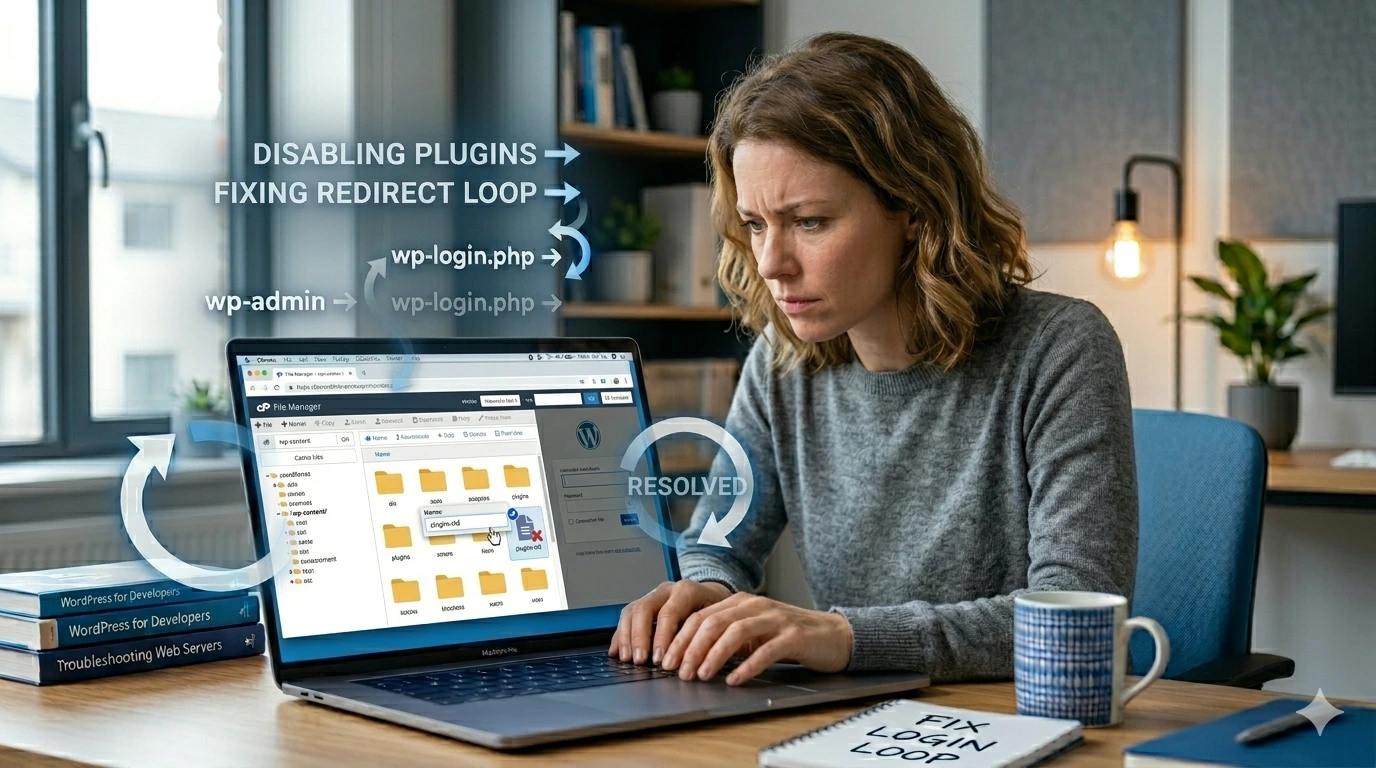
2. Disable All Plugins
Plugin conflicts are one of the most common causes of WordPress login redirect loops.
Steps to Disable Plugins
- Log in to your hosting account.
- Open File Manager or connect using FTP.
- Navigate to:
public_html/wp-content/
- Rename:
plugins
to:
plugins-old
This automatically disables all plugins.
Now try logging into WordPress again.
If the login works, one of the plugins is causing the redirect loop.
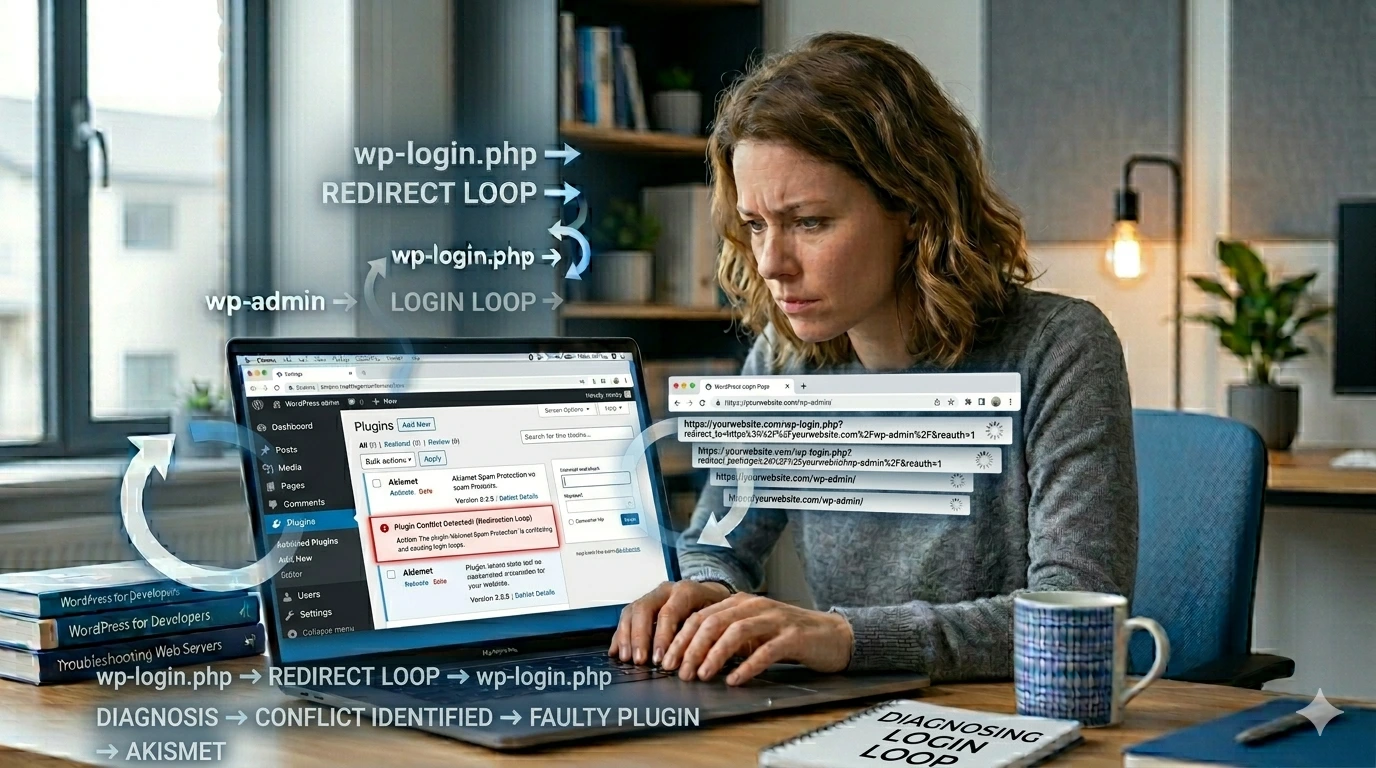
3. Identify the Faulty Plugin
After your login issue is resolved:
- Rename the folder back to:
plugins
- Log in to the WordPress dashboard.
- Activate plugins one by one.
The plugin that causes the redirect loop again is the problematic plugin.
You should:
- Delete the plugin
- Update the plugin
- Replace it with an alternative plugin
4. Check WordPress URL Settings
Incorrect WordPress URL settings are another major cause of login redirect loops.
If the WordPress Address (URL) and Site Address (URL) do not match properly, WordPress may continuously redirect the login page.
How to Fix URL Mismatch Using phpMyAdmin
- Open your hosting control panel.
- Launch phpMyAdmin.
- Open your WordPress database.
- Open the:
wp_options
table.
- Locate these rows:
siteurl
home
- Ensure both URLs match exactly.
Example:
https://yourwebsite.com
- https or http
- www or non-www

5. Clear Website Cache
Website caching can sometimes store outdated login sessions or redirect rules.
Clear These Caches
- WordPress cache plugin cache
- Hosting/server cache
- Cloudflare cache
- CDN cache
After clearing all cache layers, refresh the login page and test again.

6. Switch to a Default WordPress Theme
Sometimes a broken or incompatible theme can interfere with WordPress login sessions.
Steps to Test Your Theme
- Go to:
wp-content/themes/
- Rename your active theme folder.
Example:
astra → astra-old
WordPress will automatically switch to a default theme.
If the login works afterward, your theme is causing the issue.

7. Regenerate the .htaccess File
A corrupted .htaccess file can also trigger login redirect loops.
Steps
- Open:
public_html/
- Find:
.htaccess
- Rename it to:
.htaccess-old
Now try logging into WordPress again.
If successful:
- Go to: Settings → Permalinks
- Click: Save Changes
This automatically generates a fresh .htaccess file.

8. Check SSL and Cloudflare Settings
Incorrect SSL or Cloudflare configuration can sometimes create endless login redirects in WordPress.
Common SSL Problems
- HTTP and HTTPS mismatch
- Improper Cloudflare SSL mode
- Forced HTTPS redirection conflicts
- Mixed content configuration issues
How to Fix SSL Redirect Problems
- Open your Cloudflare dashboard.
- Navigate to: SSL/TLS Settings
- Ensure SSL mode is set correctly.
Recommended setting:
Full (Strict)

How to Prevent WordPress Login Redirect Loops
You can reduce the chances of facing login redirect problems again by following these best practices.
- Keep plugins and themes updated
- Use reliable caching plugins
- Clear cache properly after updates
- Avoid installing too many login/security plugins
- Use correct WordPress URL settings
- Monitor SSL and Cloudflare configurations carefully
- Create regular website backups
- Use trusted hosting providers
Frequently Asked Questions
Why does WordPress keep redirecting me to the login page?
This usually happens because of corrupted cookies, plugin conflicts, incorrect URL settings, caching issues, or SSL configuration problems.
Can plugins cause WordPress login redirect loops?
Yes. Security, caching, and login customisation plugins are common causes of redirect loop problems.
Can incorrect website URLs cause login problems?
Yes. If the WordPress Address URL and Site Address URL do not match properly, WordPress may continuously redirect the login page.
Will I lose my website data while fixing the redirect loop?
Usually no. Most login redirect loop issues affect authentication and sessions rather than deleting website content or database data.
What if I cannot access wp-admin at all?
You can still troubleshoot the issue using File Manager, FTP, phpMyAdmin, and your hosting control panel.
Final Thoughts
The WordPress login redirect loop can be frustrating, especially when it blocks access to your admin dashboard completely.
Fortunately, the issue is usually caused by cookies, cache conflicts, plugins, URL mismatches, or SSL configuration problems that can be fixed using the methods explained in this guide.
By carefully following the troubleshooting steps above, you can restore your login access safely and reduce the chances of the issue happening again.
Need Professional Help?
If you are unable to fix the WordPress login redirect loop yourself, contact WPServiceHub for expert WordPress troubleshooting, maintenance, optimisation, and support services.
Just wish to say your article is as astounding. The clarity for your submit is just excellent and that i could think you are a professional in this subject. Well along with your permission let me to seize your feed to stay updated with impending post. Thanks one million and please continue the gratifying work.
Thank you for the support! It means a lot. I regularly share WordPress fixes, performance tips, and troubleshooting guides — hope to keep helping you.!!!